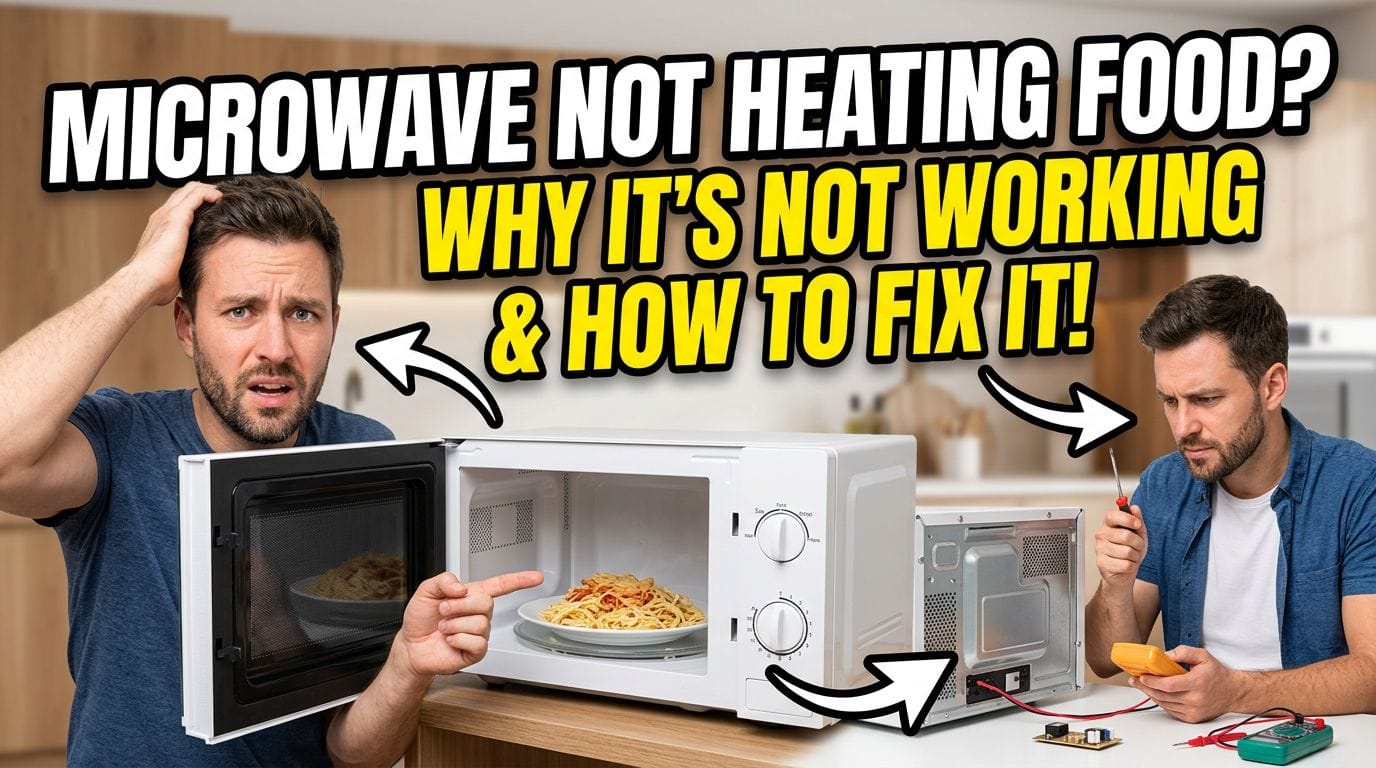
If the light inside your microwave stopped working, it’s usually one of three things: the bulb burned out, a fuse blew, or the door switch failed. Most of the time, the fix is simple. Occasionally, it points to something more serious.
Here’s how to diagnose what’s happening and what to do about it — for Samsung, LG, Whirlpool, and over-the-range units specifically.
Related Services: Microwave Repair in Vancouver
Why your microwave light stopped working
The interior light in a microwave serves two purposes: it turns on when you open the door, and it stays on during cooking. When it goes out, the cause depends on which situation applies.
Light out only when door is open: Door switch fault is the most likely cause. The switch tells the microwave the door is open — when it fails, the light doesn’t get the signal.
Light out during cooking only: Usually a burned-out bulb. The cooking circuit and the door-open circuit often use different triggers.
Light never comes on: Could be the bulb, a blown thermal fuse, or a control board issue. Start with the bulb.
How to replace a microwave light bulb
For most countertop microwaves, the bulb is accessible from inside the cavity or through a panel on the side. Over-the-range models are different — the bulb is usually underneath, behind a removable cover near the vent grille.
What you’ll need: Replacement bulb (check your model’s manual for specs — usually a 40W or 25W incandescent, though many newer models use LED), a screwdriver, and about 15 minutes.
- Unplug the microwave. Capacitors inside can hold a charge even when unplugged — don’t open the main housing without knowing what you’re doing.
- Locate the bulb cover. For countertop models, it’s usually inside the cavity on the left or right wall. For OTR models, look underneath near the front vent.
- Remove the cover (usually one screw or a twist-lock).
- Unscrew or pull the bulb straight out.
- Insert the replacement — match the wattage and base type exactly.
- Replace the cover, plug in, test.
Samsung microwave light not working
Samsung over-the-range microwaves (ME series) have the light assembly underneath the unit. The bulb cover is held by one screw and the bulb itself is a standard appliance base. Some Samsung models use an LED module rather than a replaceable bulb — if the LED assembly fails, the whole module needs replacing, not just a bulb.
If replacing the bulb doesn’t help and the light still doesn’t work, check the door interlock switches. Samsung microwaves have three switches — if the secondary switch fails, the light circuit loses power even with a good bulb.
LG microwave light not working
LG over-the-range models (LMV series) put the light on a small board underneath the unit. On some LG models, the interior light and the surface light share a thermal cutout fuse — if the microwave overheated at some point, that fuse may have blown. Replacing just the bulb won’t fix it; the fuse needs replacing too.
LG has also had documented issues with door switch failures on several OTR models. If the light worked fine one day and died the next with no other symptoms, a door switch is worth testing.
Whirlpool microwave light not working
Whirlpool countertop and OTR microwaves typically use a standard appliance bulb, accessible through a twist-off cover inside the cavity. Replacement is straightforward.
On older Whirlpool models (particularly those made before 2015), the light socket itself corrodes over time. If a new bulb doesn’t fix the problem, the socket may need replacement — a quick job for a technician.
Over-the-range microwave light out
OTR microwaves have two separate light systems: an interior cavity light and an undercabinet surface light (for illuminating the cooktop). They often use different bulbs and different circuits.
If only the surface light is out, that’s almost always the bulb. If both lights are out simultaneously, suspect a fuse or switch. If the interior light works but the surface light doesn’t, check whether the surface light setting is enabled in the control panel (some OTR models let you turn it off).
When the bulb isn’t the problem: microwave light fuse
If you’ve replaced the bulb and it still doesn’t light, the next suspect is the thermal fuse or ceramic fuse in the light circuit. These are safety components — they blow if the microwave runs too hot. Replacing a fuse isn’t complicated, but it does require opening the housing, which means working near high-voltage components. If you’re not comfortable doing that, it’s worth getting a tech in.
When to call a technician
Call for help if:
- You’ve replaced the bulb and it still doesn’t work
- The microwave trips a breaker or the light flickers
- There was a burning smell before the light went out
- The door feels loose or doesn’t close cleanly
- The microwave is an OTR unit and the light assembly isn’t accessible from the exterior
Vancouver Appliance Service diagnoses and repairs microwave light problems across Metro Vancouver. Most light issues are resolved in a single visit — we carry common bulbs, fuses, and door switches on the van.